
Google Cloud application development
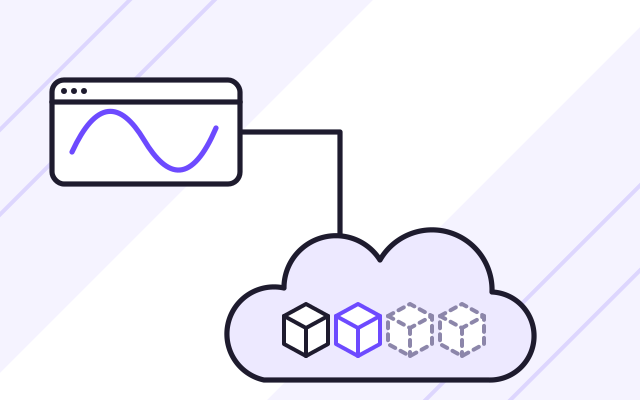
We build and deploy applications on Google Cloud. Containers run on Cloud Run, which matches the number of containers to traffic automatically. Your data can stay in Poland, because Google Cloud has a region in Warsaw.
What Google Cloud is good for
-
A containerised application with uneven traffic
Cloud Run starts the container on the first request and stops it when traffic dies down, which suits applications used only a few hours a day.
-
Your company analyses large volumes of data
Application data goes to BigQuery, where queries across millions of records take seconds. Reports do not slow down the database your users work with.
-

A region in Warsaw
The europe-central2 region is in Warsaw. The application, the database and the files can all run there.
-

The application will use Gemini models
Vertex AI offers Gemini and other models in the same Google Cloud project as the application, with data processed in the region you choose.
Which applications we build on Google Cloud
We recommend Google Cloud when an application runs in a container and has uneven traffic, when a company wants to analyse large volumes of application data, or when it already has a Google Cloud project. Cloud Run runs a container without any cluster configuration, and BigQuery produces reports from the application’s data.
When an application is built in .NET and the company has a Microsoft subscription, Microsoft Azure is usually the more convenient choice. When an application relies on many events and multi-step processes, AWS offers a wider choice of services. Our recommendation comes with a cost estimate for the expected traffic.
Example architecture of an application on Google Cloud
- The Next.js interface and the backend run as separate services on Cloud Run, behind a shared HTTPS address.
- Application data is stored in Cloud SQL for PostgreSQL.
- User files go to Cloud Storage, and each new file triggers a function that processes it.
- Pub/Sub passes events between parts of the application, so a brief failure of one service does not lose data.
- Data for reports goes to BigQuery.
- Cloud Monitoring collects logs and sends an alert on errors, and a budget in Cloud Billing warns you as spending approaches the set amount.
Example: a Cloud Run application with reports in BigQuery
This is how an application could look for a company that needs a system for its staff and clients, and reports for management. It describes a scenario, not a specific project.
- The interface and the backend run as two services on Cloud Run in the Warsaw region.
- Order and client data is stored in Cloud SQL for PostgreSQL in the same region.
- Once a day, or continuously through Pub/Sub, the data needed for analysis goes to BigQuery.
- Management views sales and order lead-time summaries in the application’s dashboard.
- If a new version shows errors, we roll back with a single command.
We choose this setup when an application has uneven traffic and the company wants to analyse its data without building a separate data warehouse.
Cloud Run suits products that start with little traffic and grow with the number of customers, which is why we often propose it for SaaS platforms and MVPs. We describe deployment automation on our DevOps for applications page.
What we do
- Application architecture on Google Cloud, with a cost estimate in the Google Cloud pricing calculator
- Next.js, .NET and Node.js applications in containers on Cloud Run
- Event-driven functions in Cloud Run functions
- Database chosen for the application: Cloud SQL for PostgreSQL or Firestore
- Events passed between parts of the application through Pub/Sub
- Files stored in Cloud Storage, and passwords and keys in Secret Manager
- Analyses and reports on application data in BigQuery
- Infrastructure defined in Terraform, with automated deployments
Who it is for
- You are planning a containerised application whose traffic changes during the day
- Your company has a Google Cloud project and needs a team to build an application on it
- You want to analyse application data without putting load on its database
Cloud Run: containers without servers
On Cloud Run we run the same Docker image that our automated deployment pipeline produces. The service receives traffic over HTTPS, adds container instances as requests grow and stops them when traffic dies down. A new version can take part of the traffic first, and all of it once checked. It is one of the simplest ways to run an application in the cloud without managing servers or a cluster.
- No charges while the application is not handling requests
- The same Docker image as in the deployment pipeline
- The same Docker image as on other clouds
Cloud SQL and Firestore
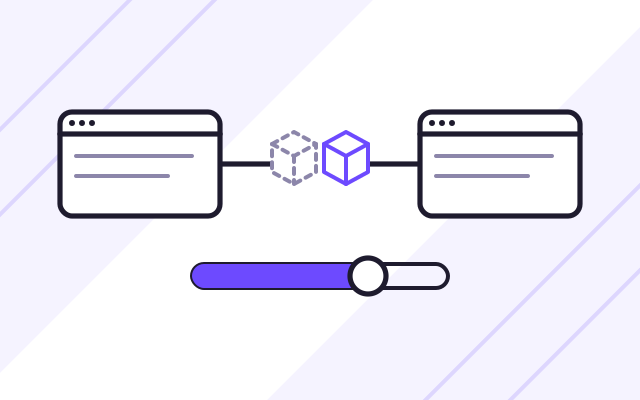
When an application needs relations and transactions, we choose Cloud SQL for PostgreSQL, the same database our portfolio projects run on. When the data is simple and the application has to work in real time, for example showing status changes to all users at once, we choose Firestore. Google manages both, with automatic backups and updates.
- PostgreSQL as a managed service
- Firestore for real-time data
- Automatic database backups
BigQuery for reports and analysis
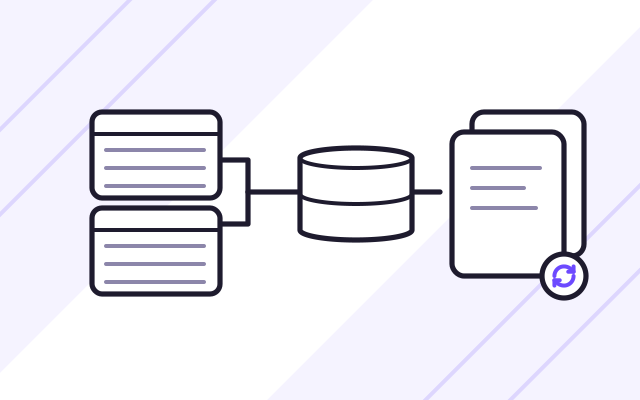
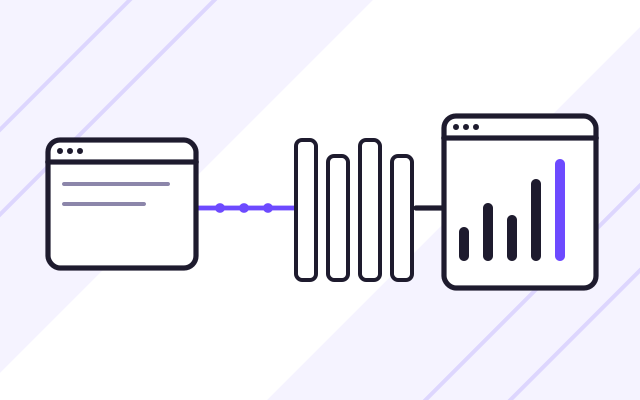
Reports calculated directly in the application's database slow it down for users. That is why data meant for analysis goes to BigQuery. There, management can compare sales, orders or handling times across millions of records, and we show the results in the application's dashboard or in a reporting tool.
- Analysis without loading the application's database
- SQL queries on large datasets
- Charges based on data processed
How we work
-

Project review
We check what runs in your Google Cloud project, how permissions are set up and the region where the data should be stored.
-
Architecture and cost
We set out the Google Cloud services for the application and give you an estimated monthly cost for the expected traffic.
-
Build and test environment
Infrastructure is created from Terraform files, and every code change is deployed to Cloud Run automatically.
-

Production deployment
The new version on Cloud Run takes part of the traffic first, and all of it once we have checked the logs. Then we switch over the domain.
Experience
- Our portfolio projects run in Docker containers with a PostgreSQL database, so they can run on Cloud Run with Cloud SQL without changes to the architecture.
Case studies
-
INVENTA Licenses
A system for managing users and licences for VR applications used in staff training, with portals for clients, distributors and administrators.
Frequently asked questions
How is Cloud Run different from Kubernetes?
Cloud Run runs individual containers and handles their scaling itself, so there is no cluster to configure. Google Kubernetes Engine gives full control over many services, but takes more work. For most business applications, Cloud Run is enough.
Can our data on Google Cloud stay in Poland?
Yes. The europe-central2 region is in Warsaw. We run the application, the database and the files there, and before the project starts we check that every service you need is available in that region.
Can Firestore replace an SQL database?
Only for part of the application. Firestore works well for simple data and real-time updates, but it does not handle complex queries and reports the way PostgreSQL does. We often combine both databases in one application.
See also
-
SaaS platforms and MVPs for startups
We build first product versions (MVPs) and SaaS platforms with user accounts, subscriptions, payments, licences and APIs.
-
Online booking and appointment systems
Clients book appointments online, staff manage the schedule, and the system sends email and SMS confirmations.