
Azure application development
We build and deploy applications on Microsoft Azure. It is usually our choice for .NET applications and for companies that already have an Azure subscription. The Warsaw region lets you keep your data in Poland.
When we choose Azure
-

The application is built in .NET
Azure and .NET come from the same vendor. The deployment tools, monitoring and libraries for Azure services are most complete for .NET, which cuts configuration time.
-

Your company already has an Azure subscription
The application runs in your subscription, alongside the systems already there. Its cost appears on the same bill as your other Azure services.
-

Data has to stay in Poland
The Poland Central region is in Warsaw. The application, the database and the data backups can all run within Poland.
-

The application will use AI models
Azure OpenAI offers GPT models in European Union regions, within the same subscription as the application.
Azure, AWS or Google Cloud
If none of the situations above applies to your company, we compare Azure with the other clouds. If the application is built in Node.js, has very uneven traffic and relies on many events, AWS offers a wider choice of serverless services. If simple container hosting and large-scale data analysis matter most, we compare Azure with Google Cloud.
Example architecture of an application on Azure
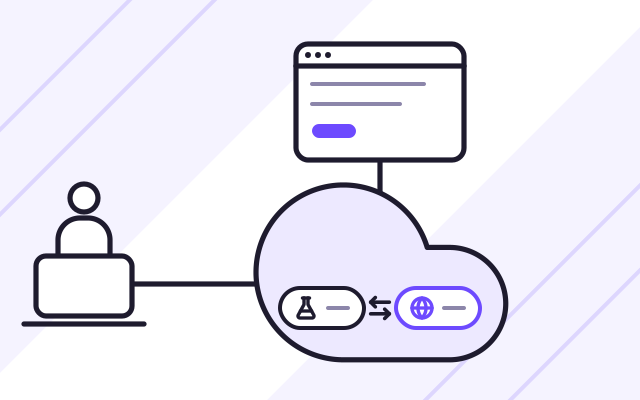
- The interface and the .NET backend run on Azure App Service, with a separate slot for the test version.
- Data is stored in Azure SQL Database or Azure Database for PostgreSQL.
- User files go to Azure Blob Storage.
- Background tasks, such as notifications and documents, run in Azure Functions, and Service Bus queues them.
- Azure Key Vault holds passwords and keys, and the application reads them without storing them in code.
- Application Insights tracks errors and performance, and a spending threshold set in Cost Management sends an alert before the bill reaches it.
Example: a .NET business application in the Poland Central region
This is how an application could look for a company that already works on Azure. It describes a scenario, not a specific project.
- A .NET application with an interface for staff runs on Azure App Service.
- Data is stored in Azure SQL Database or Azure Database for PostgreSQL in the same region, with automatic backups and point-in-time restore.
- Staff sign in with the work accounts they already use for other services on Azure. When someone leaves, disabling their account also removes their access to the application.
- Permissions in the application follow the groups a staff member belongs to, so the IT department manages them in the same way as in the company’s other systems.
- A new version goes to the staging slot first. Once approved, we swap the slots and users move to the new version without interruption.
We choose this setup when a company already has an Azure subscription and wants the new application to use the same accounts and access rules as the rest of its systems.
We write about choosing between .NET and Node.js on our .NET and Node.js development page. What a business gains from an application built around its own process is described on our custom web applications page.
What we do
- Application architecture on Azure, with a cost estimate in the Azure pricing calculator
- Web applications deployed on Azure App Service, and containers on Azure Container Apps
- Event-driven functions in Azure Functions
- Database chosen for the application, Azure SQL Database or Azure Database for PostgreSQL
- Tasks and events passed through Azure Service Bus
- Files stored in Azure Blob Storage, and passwords and keys in Azure Key Vault
- Infrastructure defined in Bicep or Terraform, with automated deployments
- Logs and alarms in Azure Monitor and Application Insights
Who it is for
- You are planning a .NET application and want to run it in the cloud
- Your company has an Azure subscription and needs a team to build an application on it
- You want to move a .NET application from a server to Azure managed services
App Service and Container Apps
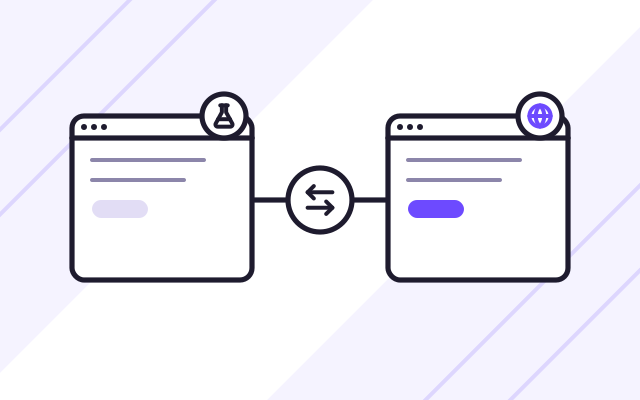
We deploy .NET or Next.js applications on Azure App Service, which provides an HTTPS address, scaling and separate slots for new versions. A new version starts in a staging slot, we check it, and then swap it with production without downtime. Applications made up of several containers run on Azure Container Apps, which scales each service separately.
- Deployment slots and version swaps without downtime
- Scaling based on traffic
- Containers without managing a cluster
Azure Functions and Service Bus
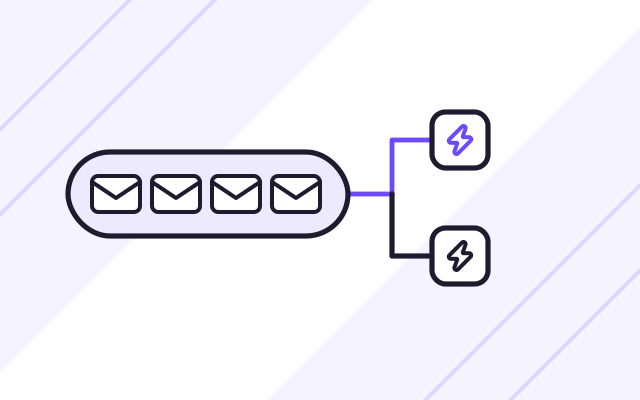
Tasks that do not have to run while the user waits move to Azure Functions. Jobs such as sending notifications, generating documents or importing data start after an event or on a schedule. When there are many tasks, Azure Service Bus queues them, so none get lost during a temporary overload.
- Functions triggered by events or schedules
- Queues that keep tasks from getting lost
- Charges only for actual executions
Databases and monitoring
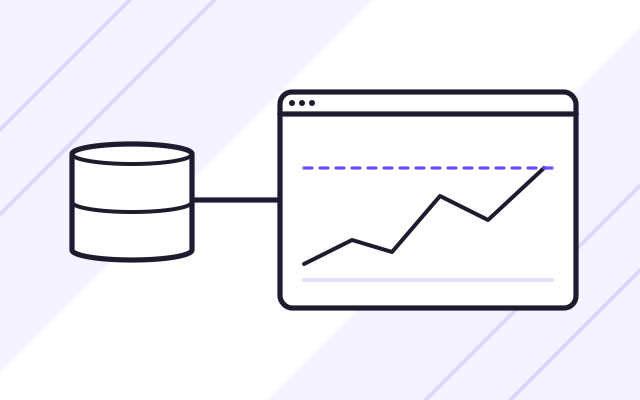
For .NET applications we often choose Azure SQL Database, and when the application uses PostgreSQL, Azure Database for PostgreSQL. Microsoft handles automatic backups and updates for both. We track how the application performs in Application Insights: response times, errors and dependencies between services.
- Managed SQL and PostgreSQL databases
- Database backups with point-in-time restore
- Error and performance tracking in Application Insights
How we work
-

Subscription review
We check what runs in your Azure subscription, your naming and permission rules, and the region where the data should be stored.
-

Architecture and cost
We set out the Azure services for the application and give you an estimated monthly cost for the expected traffic.
-

Build and test environment
Infrastructure is created from Bicep or Terraform files, and the application is deployed automatically with every change.
-

Production deployment
We swap the staging slot with production, check Application Insights, and only then point the domain to the new version.
Experience
- We built the backends of the Offer Exchange and Service Quotes platforms in .NET Core, the technology with the most complete support on Azure.
Case studies
-
Offer Exchange
A SaaS platform for business purchasing: requests for quotation, quote comparison and orders, with a free plan and paid subscription plans.
-
Service Quotes
An application for a service company with business clients. It handles orders, staff assignment, itemised billing for completed jobs and online payment.
Frequently asked questions
Can you run the application in the Azure region in Poland?
Yes. The Poland Central region is in Warsaw and supports services including App Service, Azure Functions, Azure SQL and Azure Database for PostgreSQL. Before the project starts, we check that every service the application needs is available there.
Can we use our Azure credits or our agreement with Microsoft?
Yes. The application runs in your subscription, so cloud billing goes through your agreement with Microsoft or your Microsoft reseller. We receive the permissions needed to build and maintain the application.
Can you move a .NET application from a server to Azure?
Yes. Usually we start by deploying the application on App Service with no code changes, then gradually move background tasks to Azure Functions and the database to Azure SQL. We set the order after a code review.
See also
-
Custom web applications for businesses
We build systems for handling orders, quotes and purchases, with separate portals for clients, staff and managers.
-
Web application maintenance and development
On a monthly plan, we add new features, install security patches and look after the server. Response times are set out in an SLA.