
Online booking and appointment systems
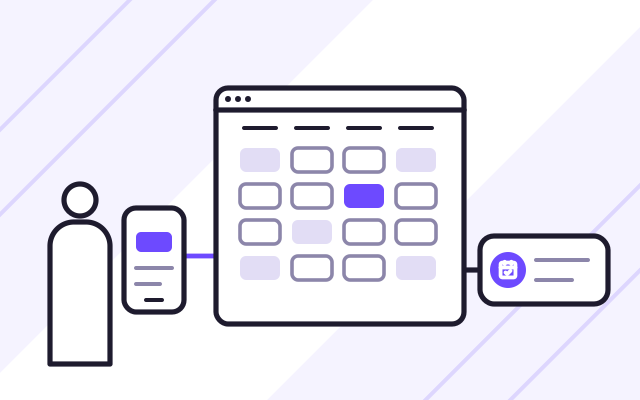
We build online booking systems where clients and patients book their own appointments online and your staff manage the schedule and visits in a single portal. Clinics, diagnostic centres and service businesses use them to take the pressure off their phone lines.
Problems online booking solves
-
Phone bookings take up most of the day
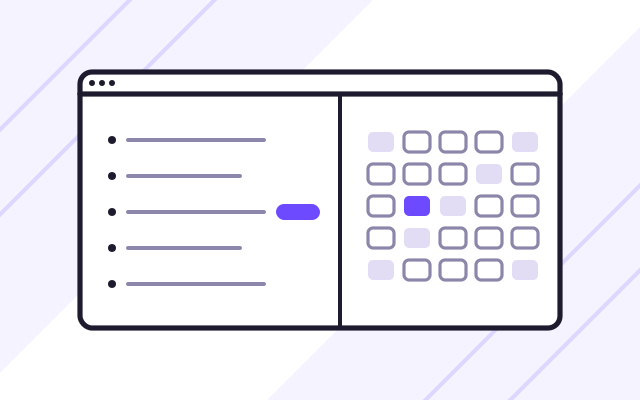
Staff book appointments by phone, and clients cannot get through. With an online booking system, clients pick a slot themselves and your staff see the booking in their portal.
-
Standard calendars cannot handle your rules
An appointment may depend on a referral, an age group or a service option. The form asks these questions step by step and offers slots from the schedule of the chosen service.
-
Staff call clients back for missing details
If the form does not collect everything, someone has to fill the gaps by phone. We agree the list of questions with you before we start designing the form.
-
Clients arrive unprepared
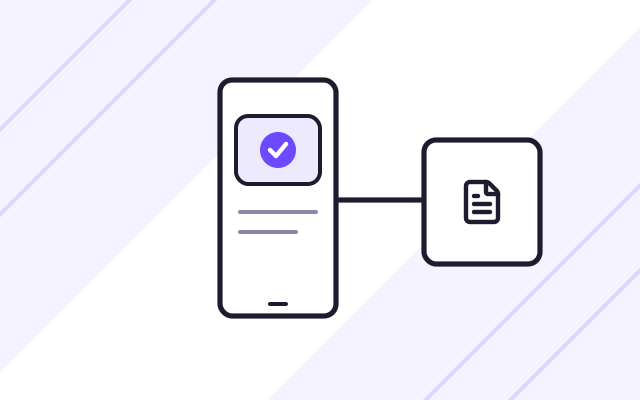
Before the appointment, a client has to fill in a questionnaire or read instructions. After booking, they receive a confirmation by email and SMS, along with documents to download.
A booking system has to ask the client the right questions before it shows a free slot. Otherwise your staff end up calling clients back to fill in missing details. That is why we start with the list of your services, their rules and the information each client must provide.
One example is the MRI appointment booking system we built for a private clinic that performs MRI scans. How we prepare a quote and what the price depends on is explained on our custom software development page.
Clinics and diagnostic centres
If you run a clinic or a diagnostic centre, the booking system is one of many systems you use. Medical systems, networks and hardware in clinics and hospitals are handled by Conetso Healthcare, another Conetso Group brand.
Technology
We build the booking form and the staff portal in Next.js, so the form loads quickly on a phone. Read more about this technology on our Next.js development page.
What we do
- Step-by-step booking form that collects all the information you need
- Free slots calculated from the schedule and the average appointment length
- Separate schedule for each category of service or examination
- Email and SMS confirmations with attachments, such as a questionnaire or preparation instructions
- Staff portal for managing appointments, slots and services
- Admin panel for managing user accounts
- Layout designed for comfortable use on a phone
- Launch on a server with your domain and an SSL certificate, with maintenance after go-live
Who it is for
- Phone bookings take up a large part of your staff's day, and clients struggle to get through
- Your services have rules that standard calendars cannot handle, such as different options, referrals or age groups
- You offer several types of service or examination, each with its own schedule
- Clients need documents, a questionnaire or preparation instructions before their appointment
- You want to set availability yourself, block slots and see which ones are taken
A booking form that collects everything you need
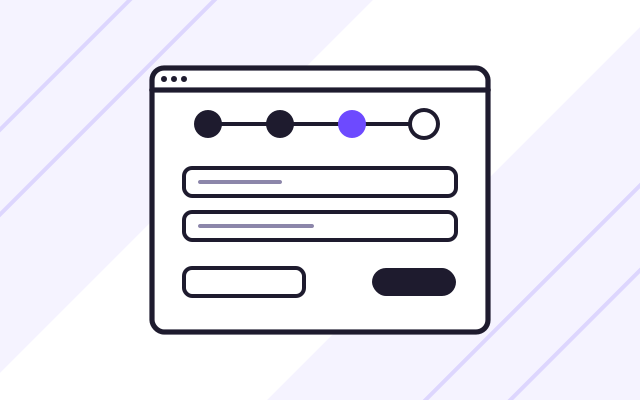
The form guides the client through a series of steps: first the type of service and its options, then the date and contact details. The options chosen decide what the client sees next. In our booking system for MRI (magnetic resonance imaging) scans, patients give the type of visit, their age group and, for visits funded by the National Health Fund (NFZ), Poland's public health insurer, the referral number.
- Service options that drive the next steps
- Extra fields only where they are needed
- Easy to use on a phone or a computer
A schedule your staff control
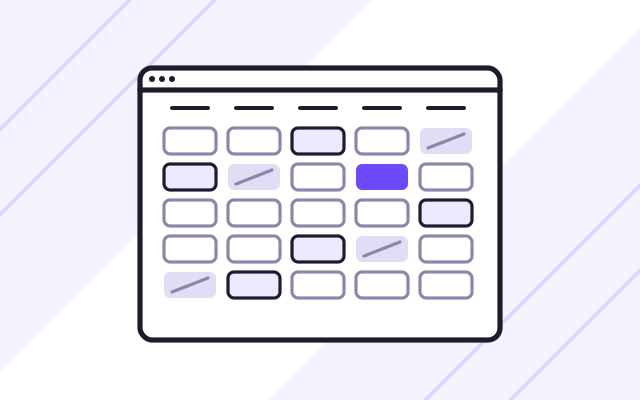
The system calculates free slots from the average appointment length and availability on each day of the week. Each service category can have its own schedule. In their portal, staff block selected slots, edit appointments and see which slots are taken.
- Separate schedule for each category
- Slot blocking and appointment editing
- Staff and administrator roles
Email and SMS notifications with documents for the client
After booking, the client receives a confirmation by email and SMS, with a questionnaire or preparation instructions to download. When a member of staff changes an appointment, they notify the client straight from the portal.
- Booking confirmation by email and SMS
- Questionnaire and preparation instructions to download
- Notification when an appointment changes
How we work
-

Consultation
We learn about your services, your booking rules and how you take bookings today. We agree what information the client must provide and which notifications they should receive.
-

Contract and form design
The scope goes into the contract. We design the booking form and the staff portal, then refine them with you.
-

Build and test
We build the system and test bookings and notifications. You get a test version to review.
-
Deployment and training
The system goes live on a server with your domain and an SSL certificate. We set up the schedules and train your reception staff.
Pricing
We quote every project individually, after discussing its scope and requirements.
- Online booking system
- Price depends on: number of calendars and services, email and SMS notifications, connections to other systems.
- System maintenance and development
- Price depends on: server and hosting, backups, required response time (SLA), set number of development hours each month.
Experience
- For a private clinic that performs MRI scans, we built a booking system to take the pressure off its phone lines. Patients book their own appointments, and staff manage the schedule, visits and examinations in their portal.
- The system runs on Next.js with a PostgreSQL database. We maintain it after launch.
Case studies
-
MRI appointment booking system
Online booking for MRI scans at a private clinic. Patients choose their own appointment slot, and clinic staff manage the appointments.
Security and regulations
-
Health data in the booking form
The type of examination or whether anaesthesia is needed says something about a patient's health, and the GDPR treats data concerning health as a special category of personal data. The clinic, as the controller, decides the legal basis for processing it. In the consultation, we agree which information the form has to collect.
Regulation (EU) 2016/679 of the European Parliament and of the Council (General Data Protection Regulation, GDPR), Article 9(1) Legal status as of
-
Security measures that match the risk
The controller and the processor apply security measures appropriate to the risk, such as encryption, the ability to restore data quickly after an incident and regular testing of safeguards. In a system that holds patient data, these have to be part of the design.
Regulation (EU) 2016/679 of the European Parliament and of the Council (General Data Protection Regulation, GDPR), Article 32(1) Legal status as of
Frequently asked questions
Does the booking system send text messages?
Yes. In our MRI booking system, patients receive a confirmation by email and SMS after booking, and staff can send them a notification when an appointment changes.
How does the system know which slots are free?
In the schedule settings, you enter the average appointment length and availability on each day of the week. The system calculates free slots from that, and staff can mark selected slots as unavailable.
Can a booking depend on the type of service?
Yes. Each service or examination can have its own options and its own schedule. The options chosen decide what the client sees in the next steps of the form.
Can clients book on their phone?
Yes. The booking system runs in the browser and adapts to any phone screen, so clients do not have to install an app. That is how the MRI booking system works.
Who manages staff accounts?
The system administrator. They create and manage accounts, while staff handle the schedule, appointments and services. The MRI booking system has two roles, staff member and administrator.
What do we need to prepare before launching online booking?
A list of your services and their options, opening hours and the average appointment length for each category, the text of the questionnaire or instructions for clients, and a list of the people who will get access to the portal. We use this to set up the schedules before the system goes live.
See also
-
Custom web applications for businesses
We build systems for handling orders, quotes and purchases, with separate portals for clients, staff and managers.
-
Web application maintenance and development
On a monthly plan, we add new features, install security patches and look after the server. Response times are set out in an SLA.
-
Conetso Healthcare
IT for healthcare
HIS, RIS and PACS systems, networks and hardware for clinics and diagnostic centres.
-
Conetso Healthcare
Optimed NXT
Implementation and support of the clinic management system.